Evaluating the Coastal Wedding Card Mockup for Your Brand Portfolio
In the competitive landscape of stationery design and wedding planning, the visual presentation of a product is often as critical as the product itself. Designers, printers, and couples alike require tools that can accurately translate a digital concept into a tangible reality before production begins. The Coastal Wedding Card Mockup serves as a specialized digital asset designed to bridge this gap. By offering a realistic vertical card template with minimalist aesthetics, this tool allows users to visualize 5x7 greeting cards or holiday invitation suites in a high-fidelity environment. Understanding the utility, limitations, and ideal applications of such a mockup is essential for anyone looking to enhance their shop portfolio or finalize their wedding suite decisions.
Understanding the Asset and Its Functionality
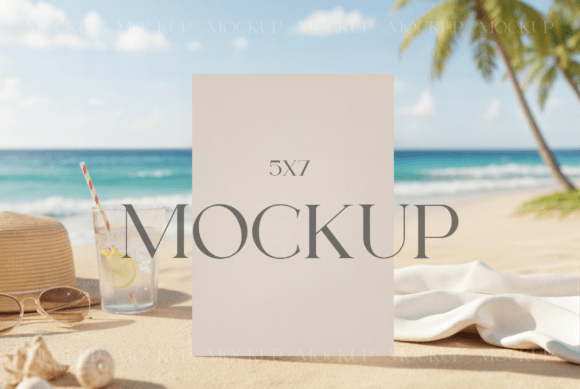
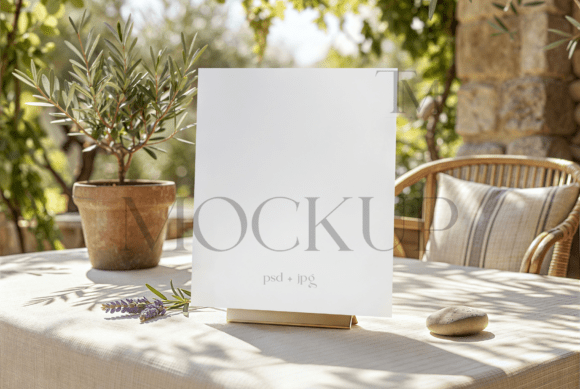
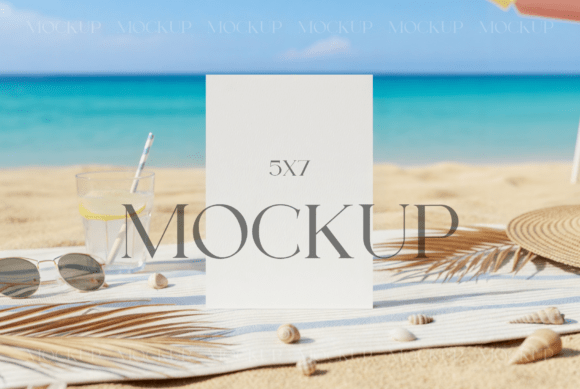
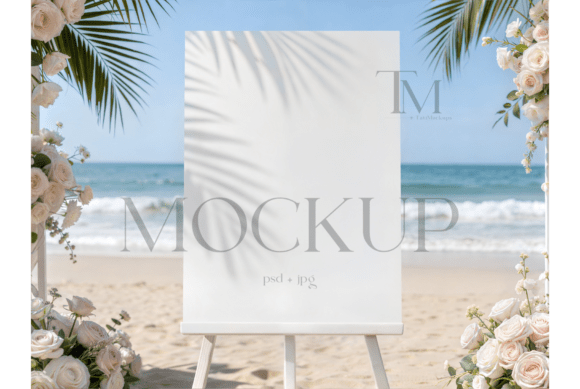
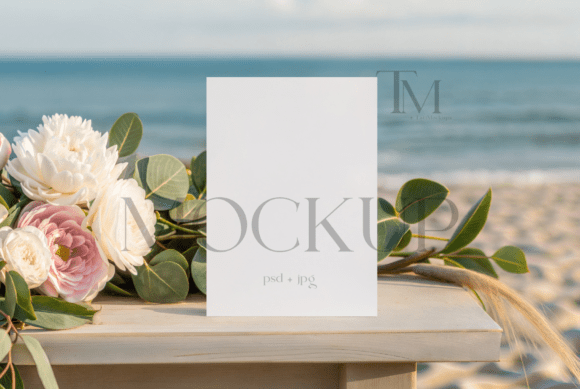
At its core, a mockup like the Coastal Wedding Card variant is a pre-designed scene where a user can insert their own artwork. This specific iteration focuses on a vertical orientation, which is the industry standard for formal invitations and announcements. The "coastal" descriptor typically implies a lighting setup and texture profile that evokes natural light, soft shadows, and perhaps subtle organic textures reminiscent of sand, linen, or sea glass, although the primary focus remains on a clean, minimalist backdrop that does not distract from the card design itself.
The technical foundation of this asset usually relies on layered file formats, most commonly PSD (Photoshop Document) files utilizing Smart Objects. This technology is pivotal because it allows the user to double-click a specific layer, paste their flat design file, and have the software automatically apply the necessary perspective, lighting, and texture overlays. For those without advanced Photoshop skills, compatibility with platforms like Canva is often a consideration, though the highest fidelity results are generally achieved through dedicated image editing software. The end result is a high-resolution JPG that mimics a professional photograph of a physical card.
Strategic Benefits for Designers and Businesses
For graphic designers and stationery shop owners, the primary value proposition of the Coastal Wedding Card Mockup lies in efficiency and realism. Creating a custom photoshoot for every new design iteration is cost-prohibitive and time-consuming. Hiring a photographer, sourcing props, arranging lighting, and post-processing images can take days. In contrast, a digital mockup reduces this workflow to minutes.
Furthermore, consistency is key to branding. When populating an online store or a social media feed, having a uniform background and lighting style helps establish a cohesive brand identity. This mockup provides a standardized canvas, ensuring that whether a designer is showcasing a winter holiday card or a summer beach wedding invitation, the presentation remains professional and unified. The realistic textures and light overlays included in the file help to highlight paper quality and ink depth, giving potential clients a better sense of the final physical product than a flat digital proof ever could.
Ideal Use Cases and Audience Fit
This tool is particularly well-suited for specific scenarios where visual accuracy and speed are paramount. Independent stationery designers who sell digital downloads or printed goods on marketplaces like Etsy or Creative Market will find this asset indispensable for creating listing images. Similarly, wedding planners assisting couples in visualizing their day-of stationery can use these mockups to present options without needing to order physical samples for every variation.
The vertical 5x7 format makes it a strong fit for:
- Wedding Invitation Suites: The standard size allows for accurate representation of main invites, RSVP cards, and detail cards.
- Holiday Greeting Cards: The minimalist nature ensures the design works for various seasons, not just coastal themes.
- Event Announcements: From baby showers to corporate galas, the neutral yet elegant backdrop adapts to different typographic styles.
Users who possess basic proficiency in Adobe Photoshop or are willing to learn the simple "drag-and-drop" workflow via Smart Objects will derive the maximum benefit. The ability to easily update the display means that A/B testing different color schemes or font choices becomes a viable strategy for optimizing sales conversions.
Considerations, Tradeoffs, and Limitations
While the advantages are significant, potential users must evaluate certain tradeoffs before purchasing. The most notable limitation is the requirement for specific software. Although some mockups offer Canva compatibility, the full potential of layered PSD files with advanced lighting effects is best realized in Photoshop. Users relying solely on free or browser-based editors may find the customization options restricted or the workflow more cumbersome.
Additionally, it is crucial to manage expectations regarding what is included in the purchase. As with most digital assets of this nature, the Coastal Wedding Card Mockup is a display tool only. The stationery designs featured in preview images are for demonstration purposes and are not included in the download. Buyers must create their own graphics or license them separately. Furthermore, the license terms typically prohibit reselling the mockup file itself; it is intended for incorporating into personal or client projects, not for redistribution as a template.
Another consideration is the specific aesthetic. While "minimalist" and "coastal" are versatile, they may not align with every brand's vibe. A designer specializing in dark, moody, or ultra-modern geometric styles might find the soft, light-filled aesthetic of a coastal mockup clashes with their brand identity. In such cases, seeking a mockup with a different lighting profile or background texture would be a more strategic choice.
Making the Decision: Is This Right for You?
Determining whether to invest in this specific mockup comes down to an assessment of your current workflow and goals. If you are currently using flat, 2D images to sell your stationery and notice a lack of engagement, upgrading to realistic 3D-style mockups is a logical next step. The Coastal Wedding Card Mockup offers a balanced solution for those who need a professional look without the overhead of physical photography.
However, if your target audience expects to see extreme close-ups of unique paper stocks (like handmade cotton or foil pressing) that require macro photography to appreciate, a standard digital mockup might not capture those nuances perfectly. In those instances, a hybrid approach—using mockups for general listings and professional photography for hero images—might be the optimal strategy.
Ultimately, the decision rests on the need for scalability. For professionals managing multiple clients or a large inventory of designs, the time saved by utilizing a reliable, high-resolution template with smart object capabilities far outweighs the initial learning curve. By providing a realistic context for your designs, you allow your audience to envision the final product more clearly, potentially increasing trust and conversion rates. Whether for a seaside nuptial or a crisp winter greeting, this tool serves as a practical bridge between digital creation and physical realization.